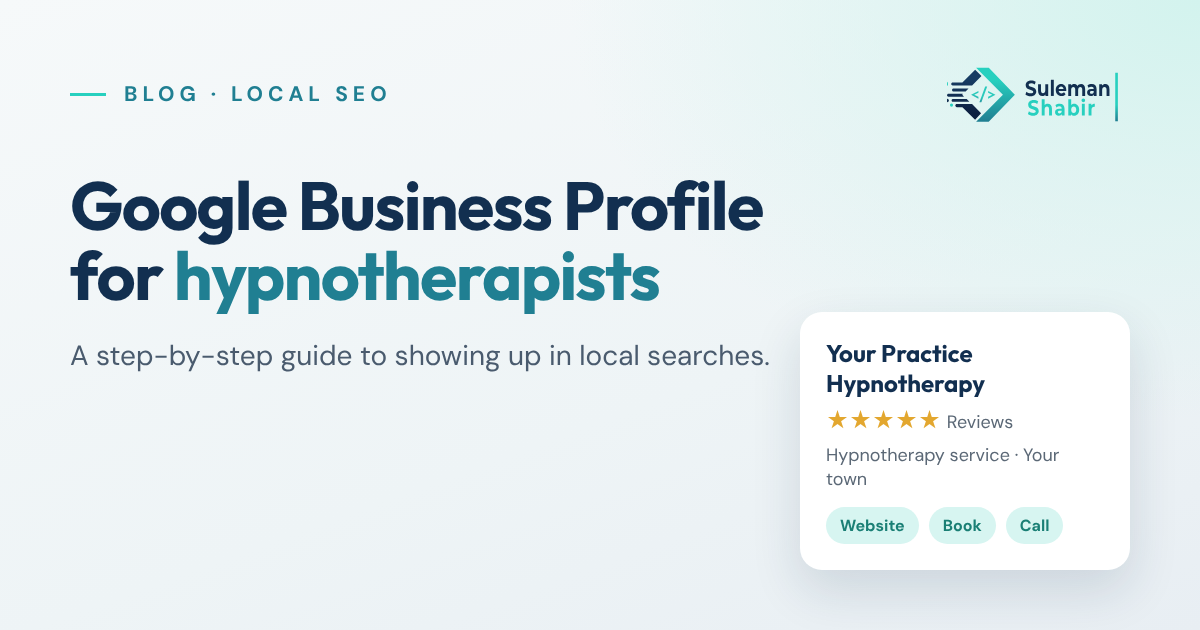
When someone near you searches for “hypnotherapist near me” or “hypnotherapy for anxiety [town]”, Google often shows a map with a handful of local practices before any normal results. Those listings come from Google Business Profile, and it’s free.
For a lot of hypnotherapists it’s the first place a new client sees them. Here’s how to set yours up properly and keep it working for you.
First: is your practice eligible?
Google Business Profile is for businesses that meet clients face to face, either at a premises or by travelling to them. If you see clients in person, even part of the week, you can usually have a profile.
If you work only online, Google’s guidelines generally don’t allow a profile. In that case your website and the directories you’re listed on do this job instead. If you work from home, you can still have a profile and choose to hide your address (see step 3).
Step 1: Claim or create your profile
Go to google.com/business and sign in with the Google account you want to manage the practice from. Search for your practice name first: Google sometimes creates a basic listing on its own, and it’s better to claim that one than to make a duplicate.
Step 2: Use your real practice name
Enter the name you actually trade under, exactly as it appears on your sign, website and paperwork. Don’t add extra keywords such as “Anxiety & Stop Smoking Hypnotherapy London” unless that is genuinely your business name. Google can suspend profiles for stuffing the name, and it’s one of the most common reasons profiles disappear.
Step 3: Choose your location settings
- You see clients at a clinic or therapy room: add that address so it shows on the map.
- You work from home: you can add the address for verification but choose not to show it publicly, then set the towns or area you serve.
- You rent a room in a shared clinic: use that address if clients come there and you’re there during your listed hours.
Step 4: Pick the right category
Your primary category has a big effect on which searches you appear for. Start typing “hypnotherapy” and pick the closest match Google offers. If you also offer related work you’re qualified for, you can add a few secondary categories, but only ones that truly describe what you do.
Step 5: Verify the profile
Google needs to confirm you’re real before your profile appears in full. Depending on your business, it might ask for a short video of your premises, a phone or email code, or a postcard to your address. Follow whatever it shows you. Verification can take from a few minutes to a couple of weeks, so start early.
Step 6: Fill in every section
A complete profile looks more trustworthy, and gives Google more to match against searches. Make sure you add:
- Phone number you actually answer, or that goes to a voicemail you check.
- Website link. If you have a booking page, consider adding it as the appointment link too.
- Opening hours, including when you offer evening sessions. Mark holidays so people aren’t disappointed.
- Services, for example hypnotherapy for anxiety, sleep, stopping smoking, confidence, with a short plain-English description of each.
- Business description (up to 750 characters): who you help, how you work, where you are, and whether you also offer online sessions. Write it for people, not for Google.
Keep your name, address and phone number exactly the same as on your website and directory listings. Small differences can confuse both people and search engines.
Step 7: Add real photos
Profiles with photos tend to get more attention than those without. Add:
- A warm, professional photo of you
- Your therapy room, so people can picture where they’ll sit
- The outside of the building or entrance, if clients visit you
- Your logo and a cover image
Use your own photos rather than stock images. A calm, real room says more than a picture of pebbles on a beach.
Step 8: Ask for reviews, the right way
Reviews are one of the strongest signals for local search, and they reassure people who are nervous about booking. Some simple habits:
- Copy your review link from the profile (“Ask for reviews”) and keep it handy.
- Ask clients you’ve finished working with, in a short message or at the end of your final session, with no pressure.
- Never offer discounts or gifts in exchange for reviews, and never write them yourself.
- Reply to every review politely. Don’t confirm that someone was a client or mention anything about their sessions in your reply: keep it to a simple thank you.
Check the guidance from your professional body too. Some have their own rules about testimonials and how therapists can use them.
Step 9: Keep it active
A profile that’s set up and forgotten slowly falls behind. Once or twice a month, spend ten minutes on it:
- Share a short update: a new blog post, a workshop, or a reminder that you offer free consultations.
- Answer any questions people post on your profile.
- Check your hours and details are still right.
- Look at the performance figures to see how people find you and what they click.
Step 10: Connect it to your website
Your Google profile and your website work best together. When people click through, the page they land on should match what they saw: the same services, the same location, and a clear “Book a free consultation” button near the top. If your website is slow on a phone or hard to book from, a good profile only gets people as far as a disappointing page.
A quick checklist
- Profile claimed and verified
- Real practice name, no extra keywords
- Correct address setting (shown or hidden)
- Best-matching primary category
- Phone, website, booking link, hours and services filled in
- Description written for people
- At least five real photos
- A simple routine for asking for reviews
- An update posted at least once a month
Want a second pair of eyes?
If you’d like me to look at how your website and Google profile work together, I offer a free video review of your hypnotherapy website. I’ll show you what a new client sees and the simple fixes that make it easier for them to book.